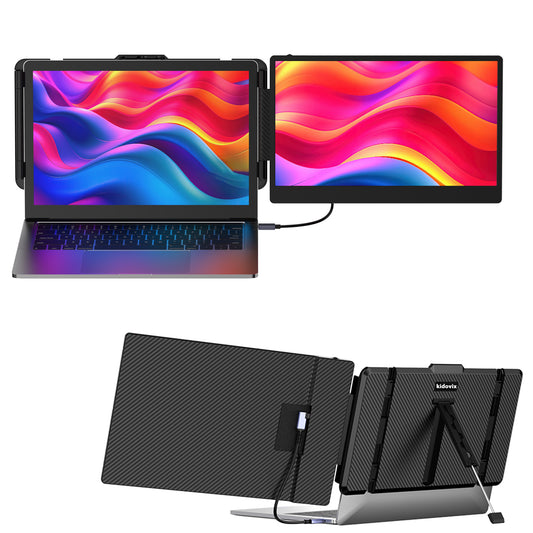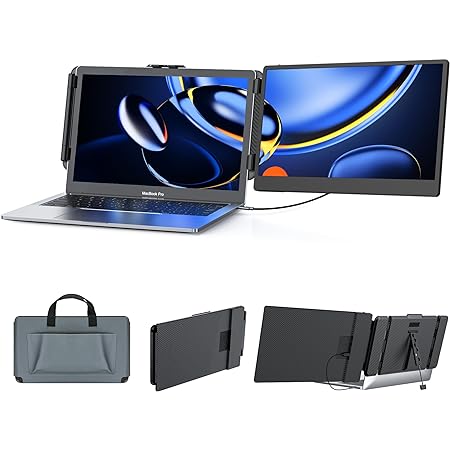

LCD is more affordable, but OLED delivers a noticeably better viewing experience: true black, richer colors, no color shift from the side, a thinner and more power-efficient design, and no motion blur in fast scenes. If you often watch movies, edit photos, play games, or simply want a more comfortable viewing experience, OLED is worth the price. If you just need basic office work and have a tight budget, LCD is good enough.
OLED Big Screen, Dual View


Real Reviews from Real Users
See what they say about the Kwumsy S14
⭐ Real review from Germany
OLED vs LCD – Superior in Every Way


0.96" Smart Display – Charging Status at a Glance

Built-In Hi-Fi Speaker – Immersive Stereo Sound

Connection Options – Plug & Play, No Driver


Full Metal Body – Anodized + Kevlar Texture


Home Office, Coffee Shop, Travel, Outdoors – Work Smarter Anywhere

Before Purchase, Please Read – Check Compatibility


Product Overview
Usage Guide
Support & Service
What's the difference between the S14's OLED screen and a regular screen?
The S14 uses an OLED screen. The biggest difference from a regular LCD screen: each pixel on an OLED panel lights up and turns off on its own. When displaying black, the pixel actually turns off – so black looks truly black, not grayish like on a regular screen. This gives you stronger contrast, richer colors, no color shift when viewed from the side, plus a thinner and more power-efficient display. Movies, photo editing, and everyday work all look more immersive.
What is the battery capacity and runtime?
Built-in 4700mAh battery (18.095Wh), providing 3–4 hours of runtime. Battery level and charging status are shown on the built-in smart display.
What devices does the S14 support?
Supports laptops, desktops, MINI PCs, and phones/tablets with video output (Full-Featured Type-C required).
Which devices are NOT supported by the S14?
Does NOT support 1080p-only devices, including PS5, Nintendo Switch, Xbox, and Blu-ray/DVD players. These cannot output 1920×1200 resolution, resulting in a black screen.
Why does the screen show "No Signal" or go black?
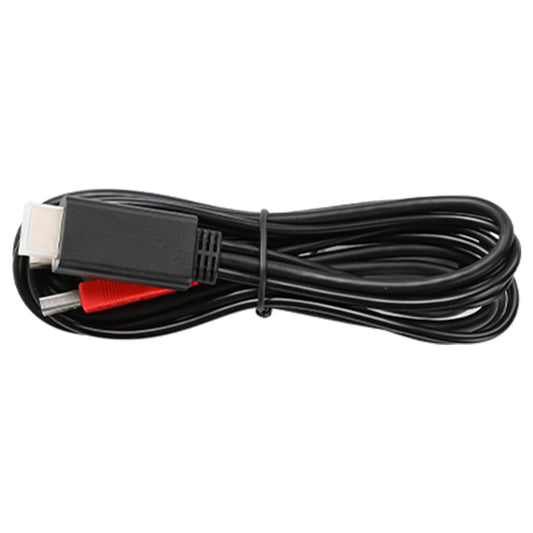
Usually caused by incorrect connection. Make sure the USB-C cable is connected to a full-function USB-C port that supports video output. If not, use two cables: HDMI to Mini HDMI + USB-A to USB-C.
Do I need to install a driver for the S14?
No. The S14 is plug and play – no drivers required.
Can I connect my phone to the S14?
Yes, but your phone must support video output (e.g., Huawei EMUI, Samsung DEX, iPhone 15). Regular phones may only charge without display.
Can the S14 screen rotate?
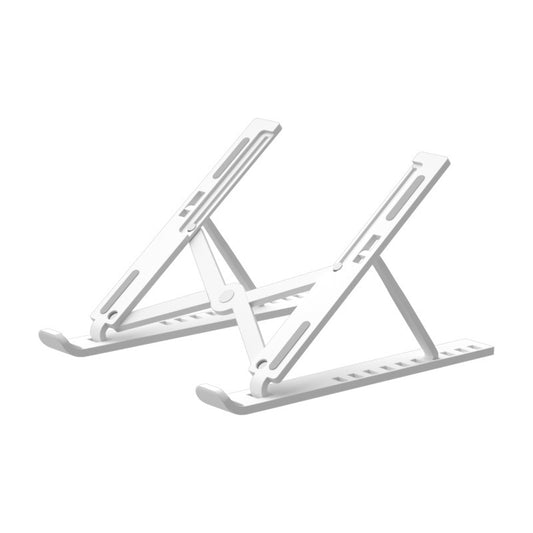
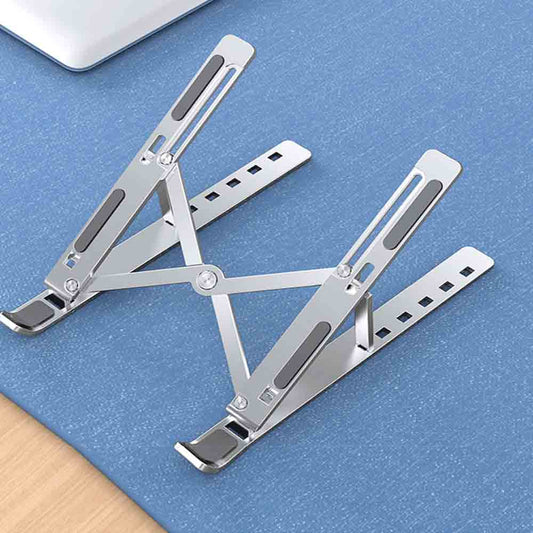
Yes. The screen adjusts 0–180°, and the kickstand adjusts 0–90° – flexible viewing angles for any scenario.
How can I contact you if I have a problem?
You can reach us through:
📧 Email: service@kwumsy.com
💬 Live Chat: Bottom-right corner of our website
📱WhatsApp:+86 19820581284(Fastest response)
We typically reply within China Time 9:00 AM – 6:00 PM (Business Days), excluding public holidays.
What should I do after receiving the product?
After receiving the product, please inspect it within 15 days to confirm everything works properly – including screen display, port connections, and battery charging. If you find any issues, contact us as soon as possible. Problems reported after 15 days may not be eligible for return or exchange.
Does the product come with a warranty?
Yes. The product comes with a 12-month limited warranty. Coverage applies only to manufacturing defects, and does NOT cover damage caused by improper use (such as crushing, dropping, liquid damage, or unauthorized disassembly). If a manufacturing defect occurs, please contact service@kwumsy.com and our team will guide you through the next steps.
Can I return or exchange the product?
Yes. We offer a 30-day return and exchange policy. Please ensure the product and accessories are in good condition, and keep the original packaging. Send an email to service@kwumsy.com with your order number, and our team will guide you through the next steps.