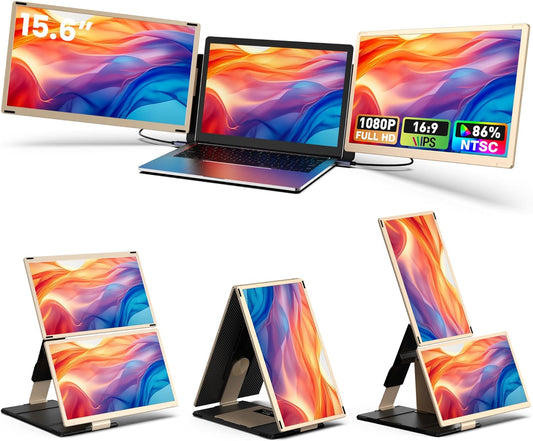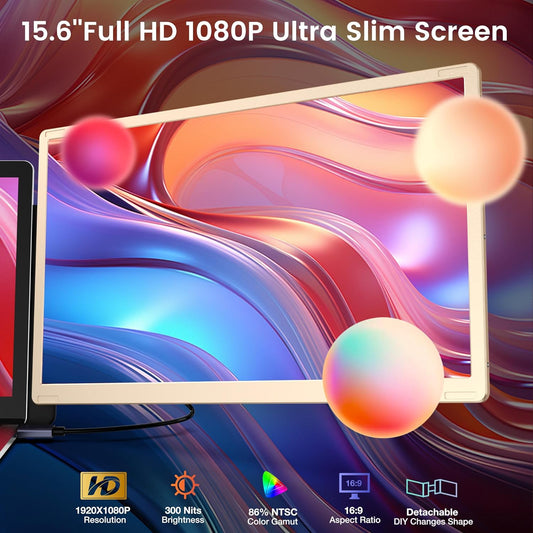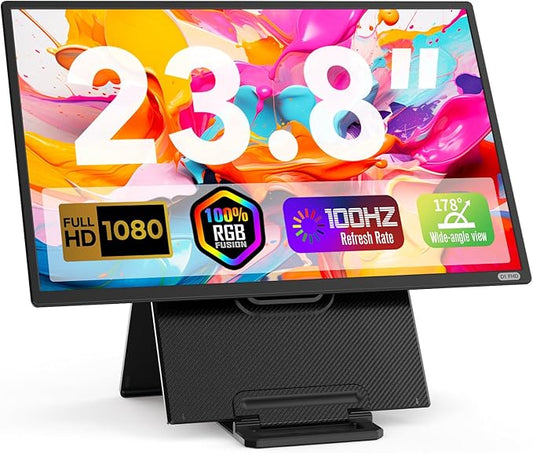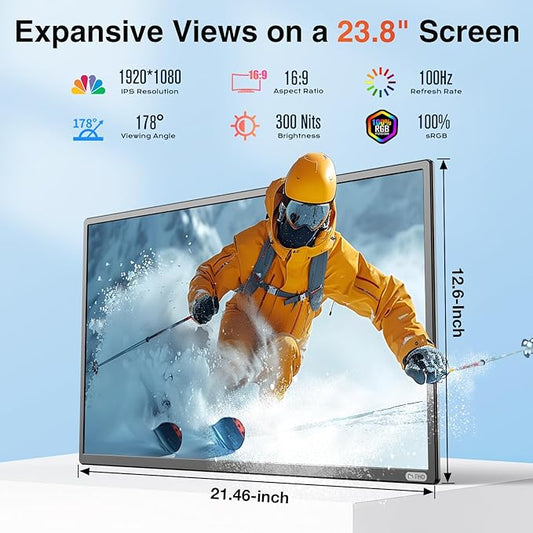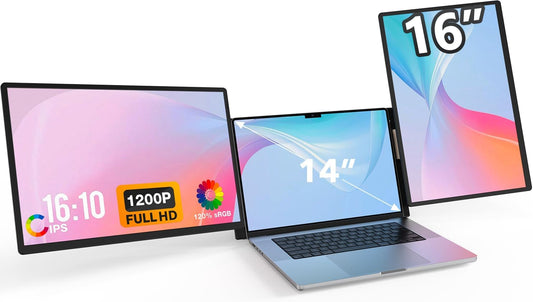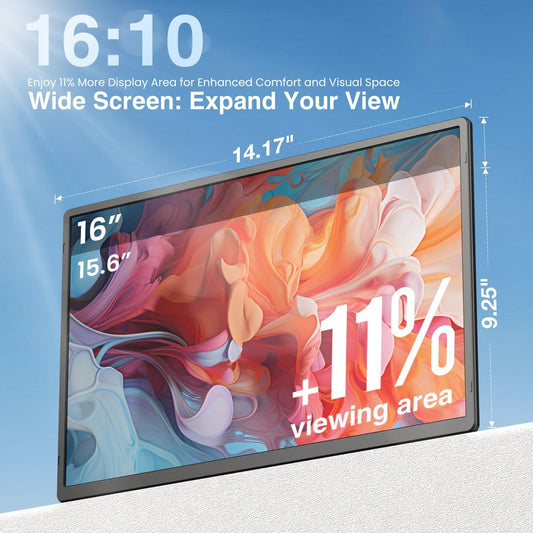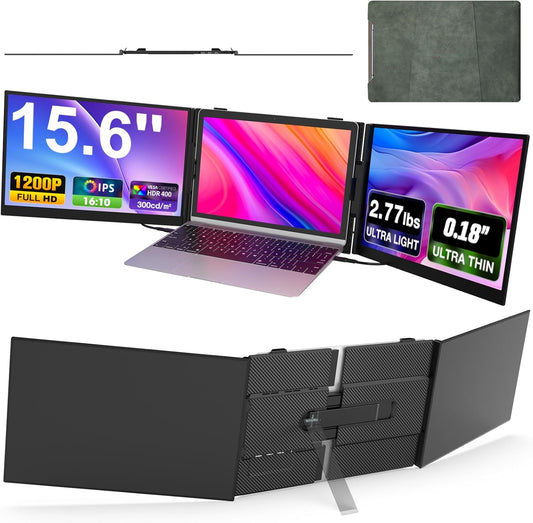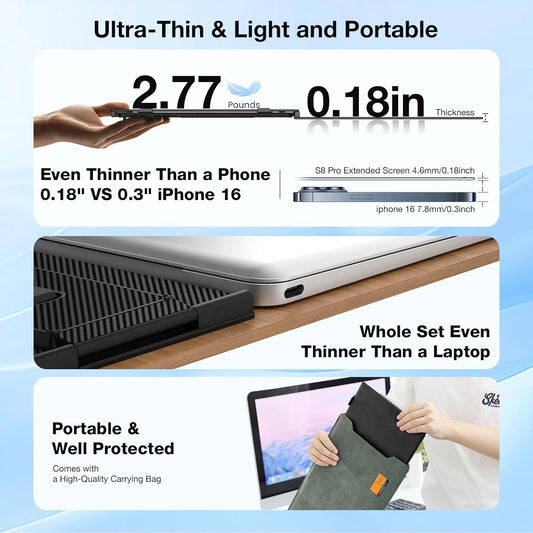


Say goodbye to inefficient tab-switching


Important Setup Notes:
Requires Driver Installation & External Power


From Folded to Productive: Complete Desk Setup Guide


Note: The VESA mount and M4 screws are not included in the package and need to be purchased separately.
An innovative 2-in-1 design combining a carry case and a stand

Unboxing: Here’s What You Get

Frequently Asked Questions
Q1: Compatibility: Which devices are supported?
🔌 Universal Compatibility, Seamless Connectivity
The Z4PRO is fully compatible with Mac (M1/M2/M3/M4), Windows, and Linux systems. It works with laptops, desktops, Mini PCs, tablets, and full-function Type-C smartphones. For older devices without modern ports, you can use the included USB-A + HDMI combo cable to power all three screens.
Q2: Is driver installation and external power required?
• External Power: The included 65W power adapter must be connected. It also supports reverse charging to power your laptop.
• Driver Installation: Use the included dual-port USB drive (Type-C and USB-A). Once inserted, an auto-launch folder will open containing:
1.Driver software
2.Stand & screen assembly guide
3.How to turn off the third screen
4.Driver installation tutorial
5.One-touch merged screen tutorial
6.Full-function Type-C connection guide
7.HDMI connection guide
Q3: How do I merge screens or turn off the bottom screen?
• One-Touch Screen Merge: Once set up, locate the side control interface. Slide the menu switch upward for 2 seconds to merge three screens into one 30-inch canvas. Repeat to revert.
• Turn Off Bottom Screen: Slide the same switch downward for 2 seconds to turn off the bottom screen. Slide down again to turn it back on.
Q4: Can I use the screens in portrait or landscape mode?
Yes, screen rotates 360° freely. You can adjust orientation in your computer’s display settings. Additionally, the built-in handle allows the screen unit to be folded 180° for flexible positioning.
Q5: Does it support VESA mounts?
Yes, each screen back is equipped with standard 75×75mm VESA mount holes (M4 screws compatible), allowing you to attach the unit to monitor arms or stands for a custom workstation setup.
Note: VESA mounts and M4 screws are not included and must be purchased separately.
Q6: Where do you ship from and how long does delivery take?
We ship from our U.S. warehouse where the product is in stock.
- For U.S. orders: Your order will be shipped domestically within the U.S., with no additional customs fees or import charges. Delivery typically takes 3–5 business days under normal circumstances.
- For international orders (outside the U.S.): Please contact our support team for shipping options, delivery estimates, and applicable fees:
📧 Email: service@kwumsy.com
💬 WhatsApp: +86 19820581284
We strive to provide a smooth and transparent delivery experience wherever you are.