Seamlessly Connected. Effortlessly Organized.

One Screen. The Heart of Your Home.

Tidy Lists. Tidy Life.

Cultivate Good Habits, Reward Every Milestone.

Alerts You Can See. Care You Can Hear.

Personalized Colors. Unified Family.

Dinner Dilemmas, Solved.

Schedules & Memories, Together at a Glance.


All Premium Features. Zero Extra Fees.

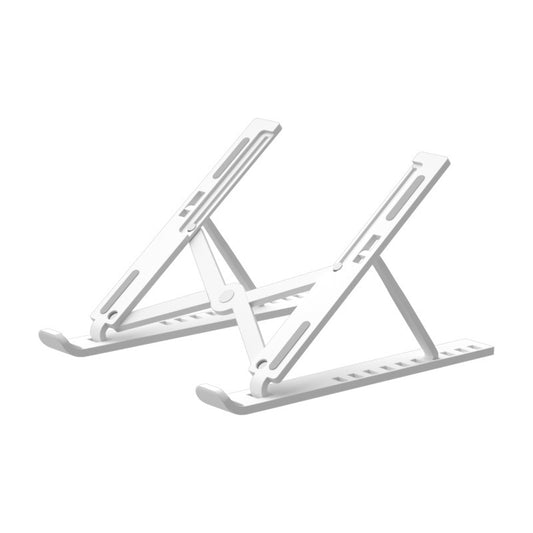
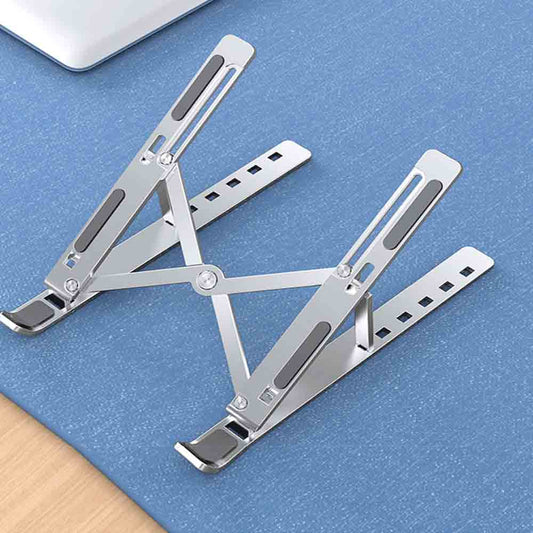
Flexible Placement. Effortless Installation.


Product Overview
Usage Guide
Support & Service
What is the Kidovix R1?
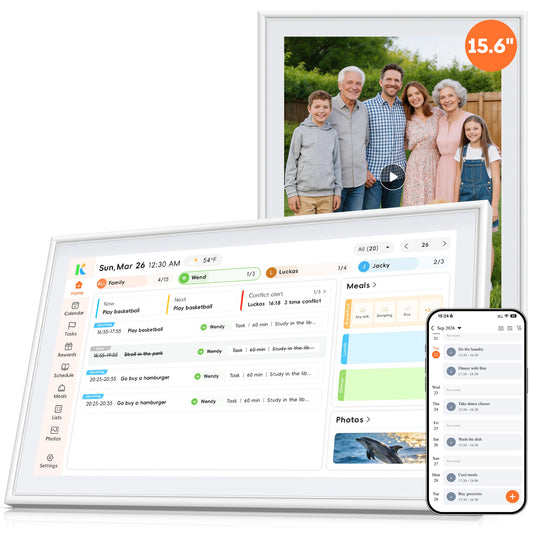
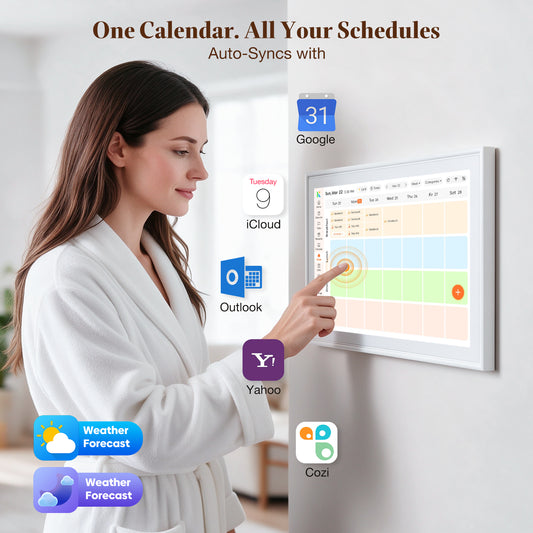
The Kidovix R1 is a 15.6-inch smart digital calendar that acts as a family hub. It syncs schedules, manages chores, displays photos, and keeps your family organized in one place.
What are the main features?
Key features include multi-calendar syncing (Outlook, Google, Apple, etc.), chore & study charts with rewards, meal planning, full-screen visual & voice alerts, photo frame mode, and a detachable wall mount with 180° rotation.
Can I sync multiple calendars?
Yes. It seamlessly syncs with popular services like Google Calendar, Apple iCloud, Microsoft Outlook, Yahoo, and Cozi. Set it up once and stay in sync.
How do I mount it?
It comes with a 2026 upgraded mount. You can use the built-in kickstand for desktop use (portrait or landscape), or use the included wall-mount bracket and M4 screws for wall installation. The screen easily snaps on and off.
What is included in the box?
The box includes the R1 Host, 12V/2A Power Adapter, M4 Screw Kit, Wall-mounted Bracket, and User's Guide.
Does it require a subscription fee?
No. Unlike some competitors, all premium features on the Kidovix R1—including chores, custom lists, photo albums, and alerts—are 100% free. No hidden fees.
Is the screen a touchscreen?
Yes. The R1 features a touchscreen, allowing you to add plans, check off chores, and manage lists directly on the device without needing your phone.
How do I set up the device for the first time?
Just follow 4 steps:
1. Plug it in and power on.
2. Select your language, connect to Wi-Fi, and choose your city.
3. Download the Kidovix App and scan the QR code.
4. Create an account and enter the activation code to link your phone.
Does it support voice alerts?
es. It features upgraded voice alerts and full-screen visual reminders. It will announce important schedules (like taking medication or picking up kids) so you never miss a thing.
What power adapter should I use?
Please use only the original or specified 12V/2A power adapter included in the box. Using other adapters with overvoltage or overcurrent may damage the device.
How can I contact you if I have a problem?
You can reach us through:
📧 Email: service@kwumsy.com
💬 Live Chat: Bottom-right corner of our website
📱WhatsApp:+86 19820581284(Fastest response)
We typically reply within China Time 9:00 AM – 6:00 PM (Business Days), excluding public holidays.
What should I do after receiving the product?
After receiving the product, please inspect it within 15 days to confirm everything works properly – including screen display, port connections, and battery charging. If you find any issues, contact us as soon as possible. Problems reported after 15 days may not be eligible for return or exchange.
Does the product come with a warranty?
Yes. The product comes with a 12-month limited warranty. Coverage applies only to manufacturing defects, and does NOT cover damage caused by improper use (such as crushing, dropping, liquid damage, or unauthorized disassembly). If a manufacturing defect occurs, please contact service@kwumsy.com and our team will guide you through the next steps.
Can I return or exchange the product?
Yes. We offer a 30-day return and exchange policy. Please ensure the product and accessories are in good condition, and keep the original packaging. Send an email to service@kwumsy.com with your order number, and our team will guide you through the next steps.