
Kwumsy
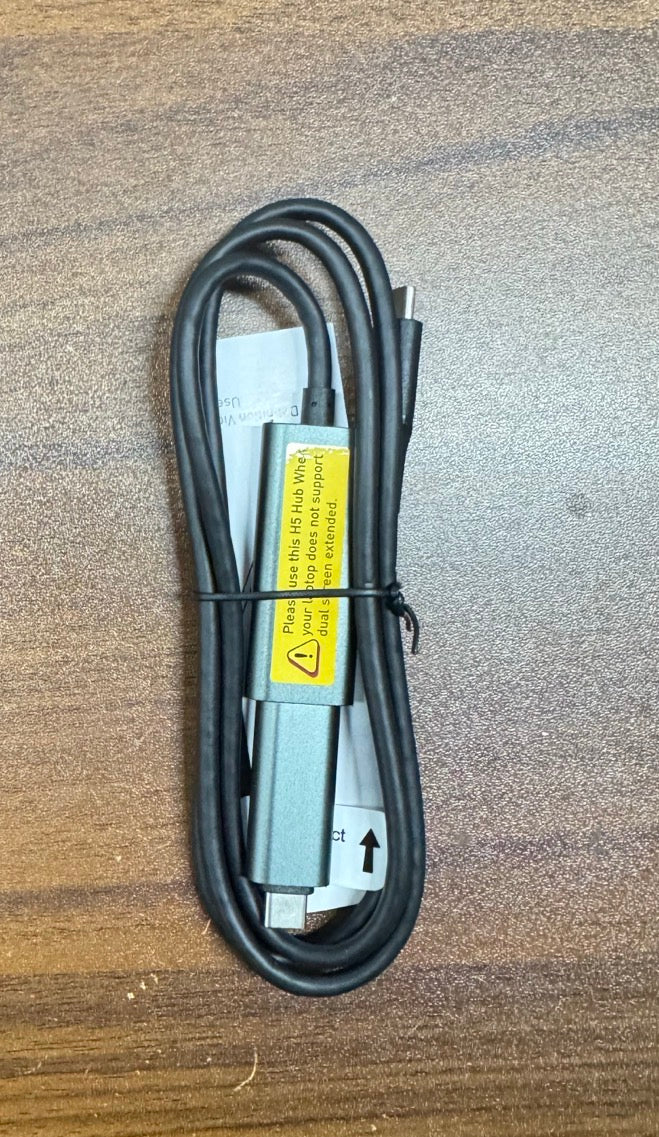
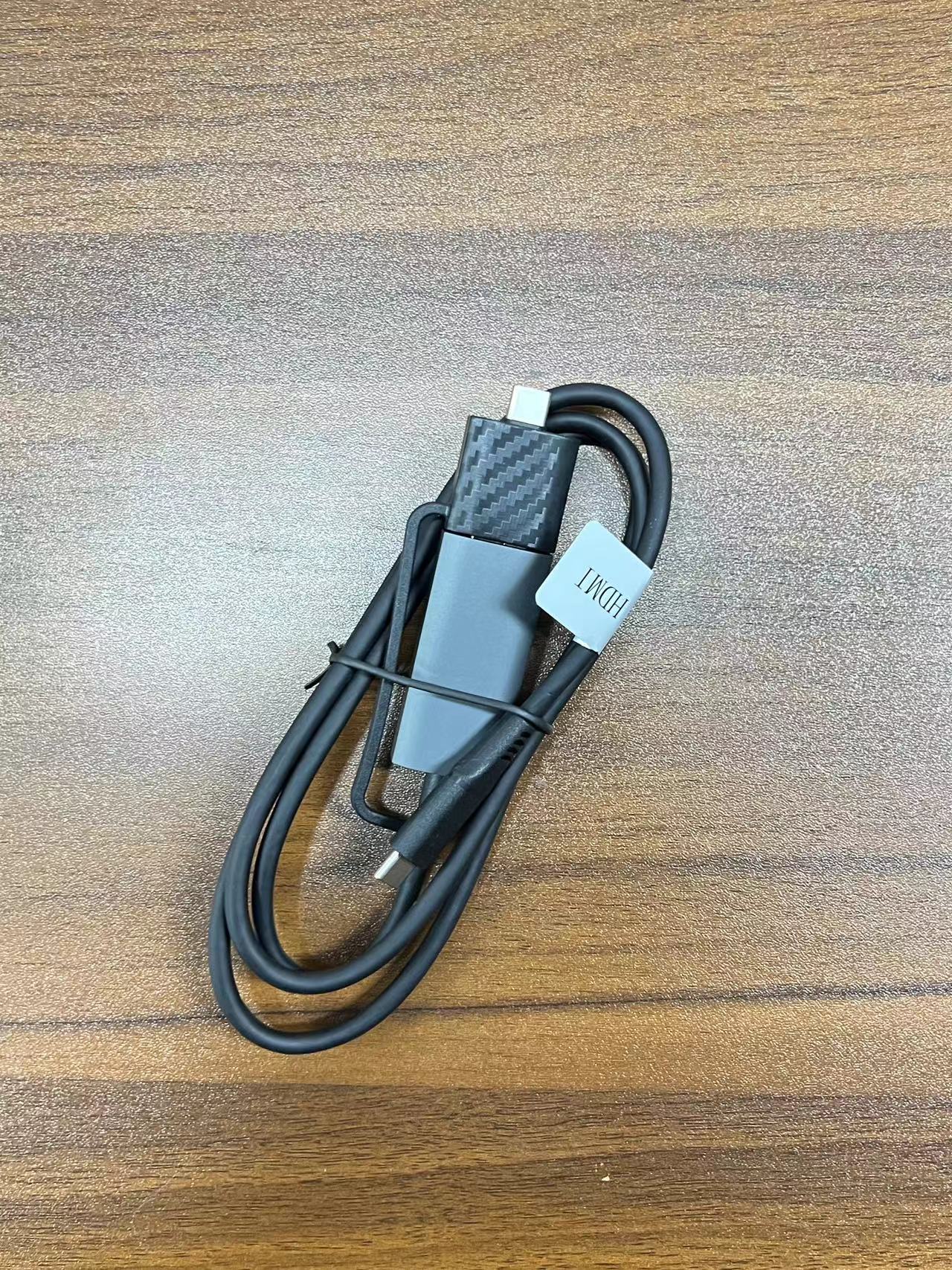
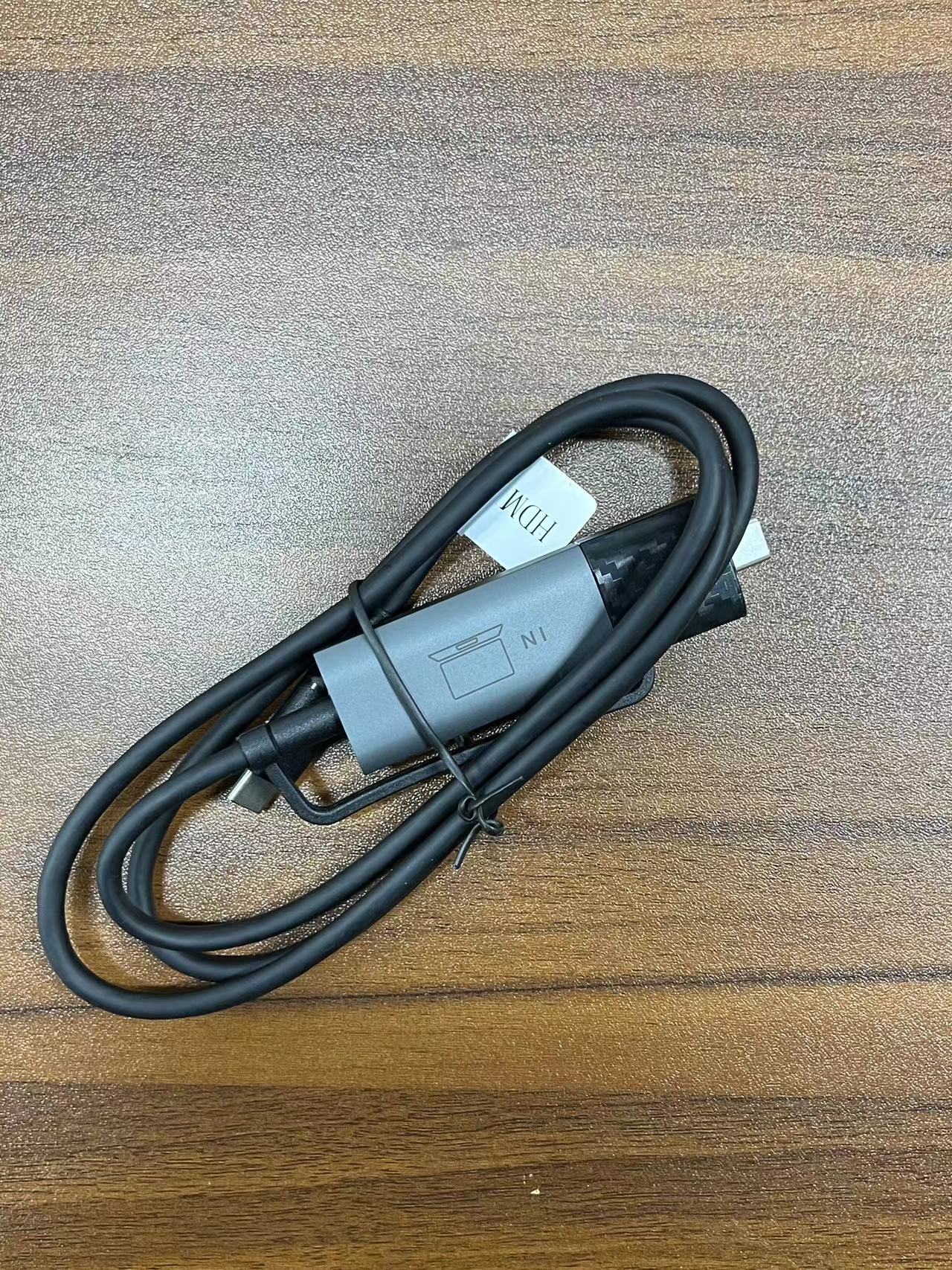
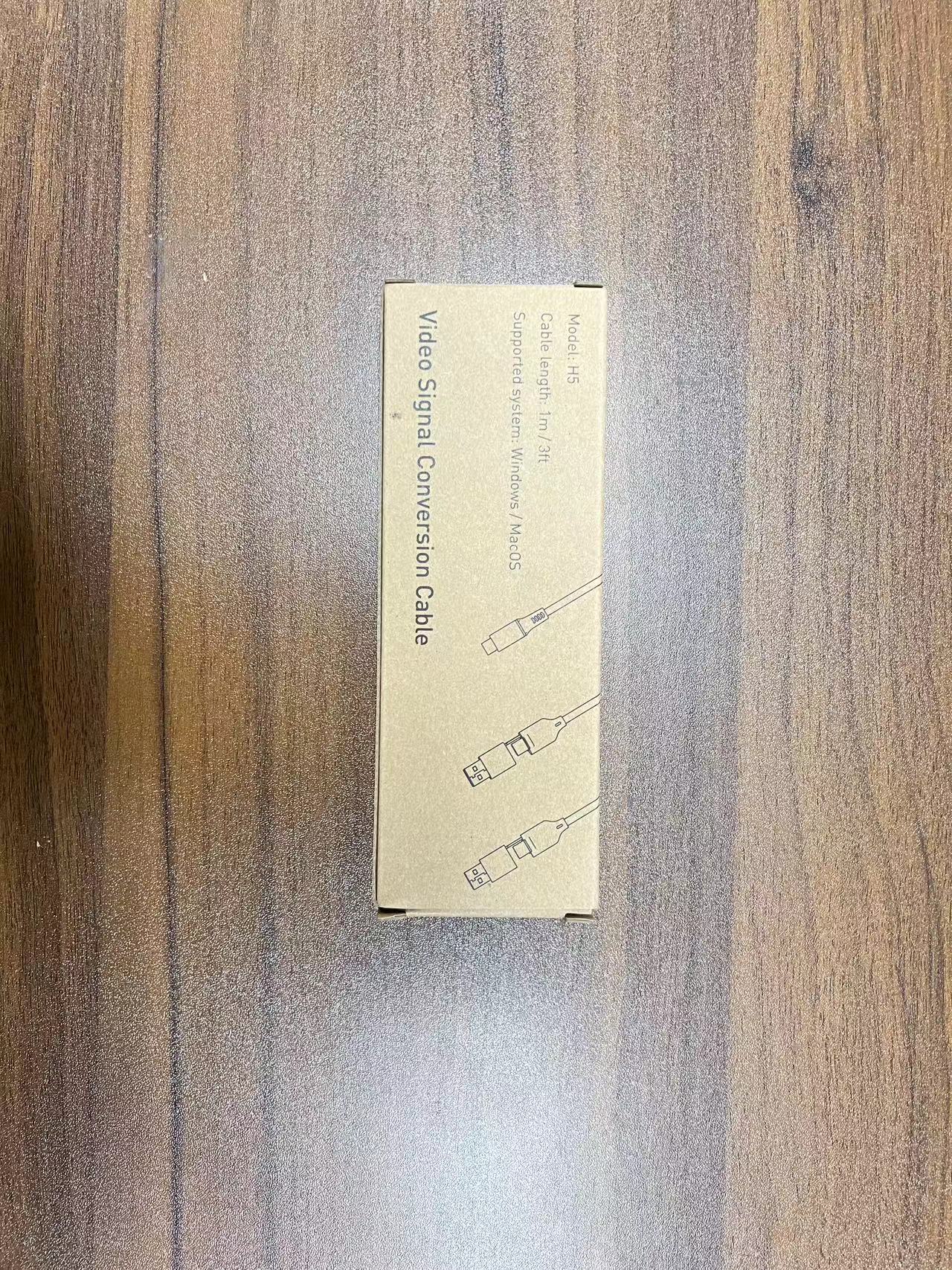
Kwumsy H5-T High Definition Video Transmission Cable
Kwumsy H5-T High Definition Video Transmission Cable
Couldn't load pickup availability
Designed for Laptops Whose USB-C Ports Don't Support Video Output — Enable Dual-Screen Expansion on Any Laptop
1. What Problem Does This Solve?
Many laptops have USB-C ports that only support data transfer and charging — they cannot output video signals. This means that even if you have a dual-screen extender, you can't connect the second screen — because your computer simply doesn't "see" it.
The H5-T is designed to solve exactly this problem.
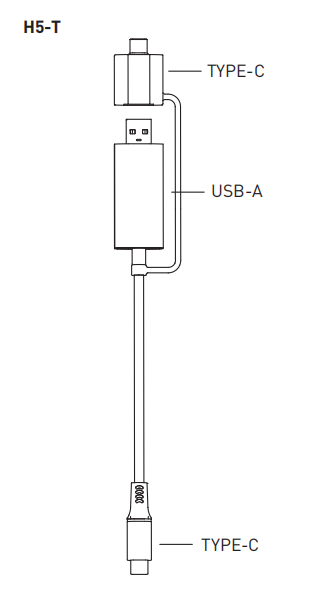
It is a USB data-to-video signal conversion cable. Its built-in chip converts a standard USB-C or USB-A data port into a video signal output port, bypassing the laptop's native display limitations.
In simple terms: If your laptop's USB-C port doesn't support displays, the H5-T is the key to making it work.
2. Who Needs the H5-T?
1. MacBook Air/Pro M1-M3 Users
Apple's M-series chips natively support only one external display. If you already use dual screens and want to add another independent extended display, the H5-T can help you achieve that.
2. Laptop Users with Standard USB-C Ports Only
Many Windows laptops (such as Dell Latitude, HP business series, etc.) have USB-C ports labeled "data only" — they don't support DisplayPort Alt Mode for video output. With the H5-T, these laptops can also output video signals.
3. Older Laptops with Only USB-A Ports
Older laptops don't have USB-C at all, but the H5-T supports USB-A to video signal conversion — giving old devices a dual-screen experience too.
3. How to Use the H5-T
Note: The TYPE-C output port of the H5-T is only compatible with Kwumsy brand products.
4. Which Models Include the H5-T? Which Require Separate Purchase?
The following models include the H5-T in the package — no separate purchase needed:
For other Kwumsy models that need the H5-T, it can be purchased separately.
5. Technical Specifications
6. Frequently Asked Questions
Q: What's the difference between the H5-T and a regular USB-C to HDMI cable?
A regular USB-C to HDMI cable requires your laptop's USB-C port to natively support video output (DP Alt Mode). The H5-T, however, does not rely on your computer's port having video output capability — as long as you have a USB-C or USB-A data port, it will work.
Q: Is it safe to install the driver?
The H5-T's driver ("USB Display") has been verified on both Windows and macOS. Installation is simple (takes about 2 minutes) and poses no security risks. For Mac users, after installation you'll need to find the privacy settings and enable the USB Display program .
Q: I bought an S8Pro — does it already include the H5-T?
Yes, the S8Pro includes the H5-T . If you purchased a different model that doesn't include it, you can order it separately.
Q: Does the H5-T support both extended and mirrored modes?
Yes. After installing the driver, you can freely choose between modes in your computer's display settings .
Q: Is the H5-T compatible with Mac?
Yes, it supports macOS. M1-M3 Mac users can use the H5-T to bypass the one-external-display limit and achieve dual-screen expansion.
H5 Driver Download Link:
https://drive.google.com/file/d/1B8TWkVf3Z3jfAPe9d7ewzU7hofW7J3r4/view
Model Description

Product Connection
If your screen video interface is a TYPE-C(USBC with DP) interface, you will need to select the H5-T model.

Note: The H5 TYPE-C output port can only be connected to TYPE-C devices produced by our company!
Driver Installation
For Windows Driver Installation
Locate the "USB Display" driver installation file on your computer, double-click to install the driver, and follow the on-screen instructions to complete the installation. Once the installation is complete, the external screen should function properly.

Driver Installation

For MAC Driver Installation
Locate the "USB Display" driver installation file on your computer, double-click to install the driver, and follow the on-screen instructions to move the application to the Applications folder. Find the privacy settings, tick the USB Display program. After the installation is complete, the external screen should function properly.


