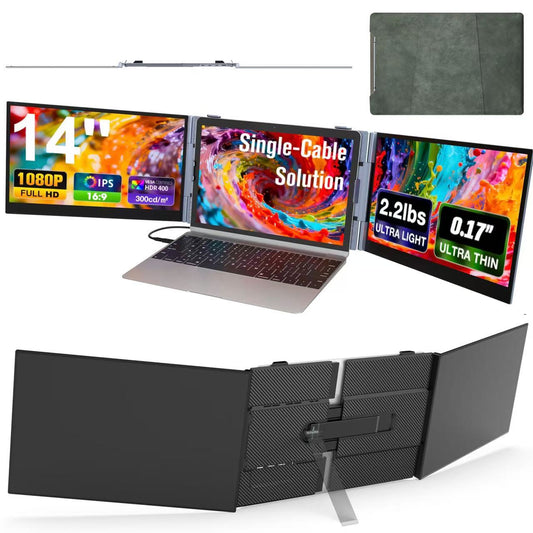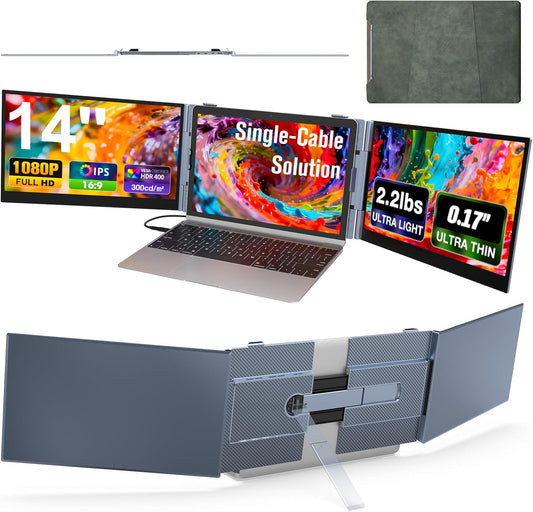


- Option 1: Laptop with two full‑featured USB‑C ports:Use 2 × USB‑C to USB‑C cables – connect to the P7‘s TYPE‑C1 and TYPE‑C2 ports.
- Option 2: Laptop with one full‑featured USB‑C port + one HDMI port:Use 1 × USB‑C to USB‑C cable + 1 × USB‑C to HDMI cable – connect to the P7‘s TYPE‑C1 and TYPE‑C2 ports.
- Option 3: Laptop with no full‑featured USB‑C port (HDMI + standard USB‑A/C only):Use 1 × USB‑C to HDMI cable + H5‑T adapter (H5‑T sold separately – to purchase, please contact service@kwumsy.com).
-Connect the USB‑C to HDMI cable to the P7‘s TYPE‑C1 or TYPE‑C2 port
-Connect the H5‑T adapter to the P7‘s TYPE‑C1 or TYPE‑C2 port (same port as the USB‑C to HDMI cable)
-External power is also required (power bank or wall charger) – connect to the P7‘s PD port
The H5‑T converts a standard USB port into a video output. External power is needed to ensure the P7 works stably in this setup.