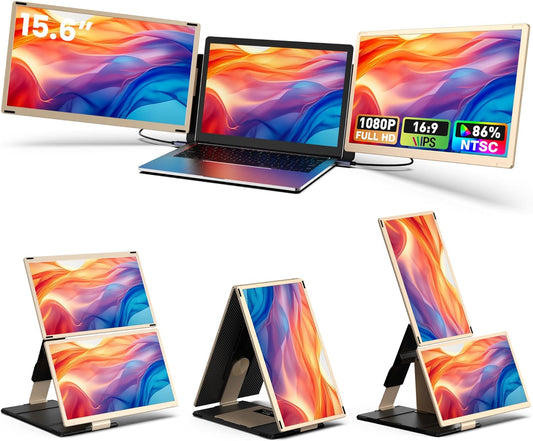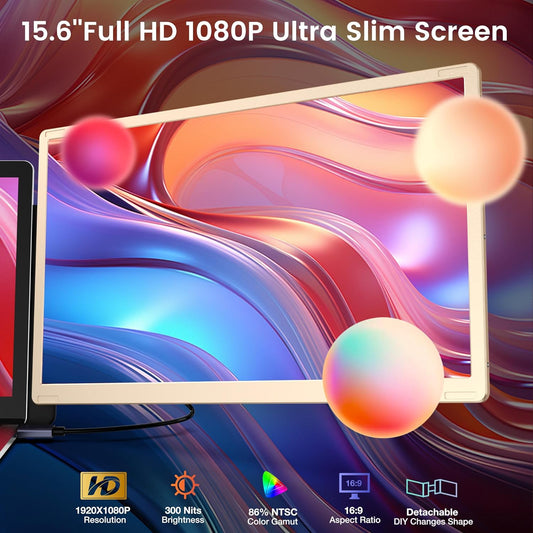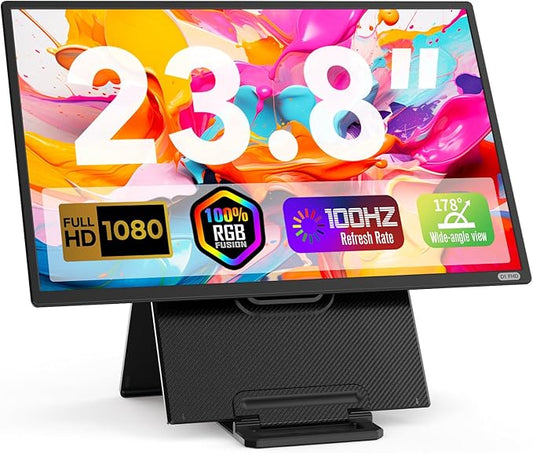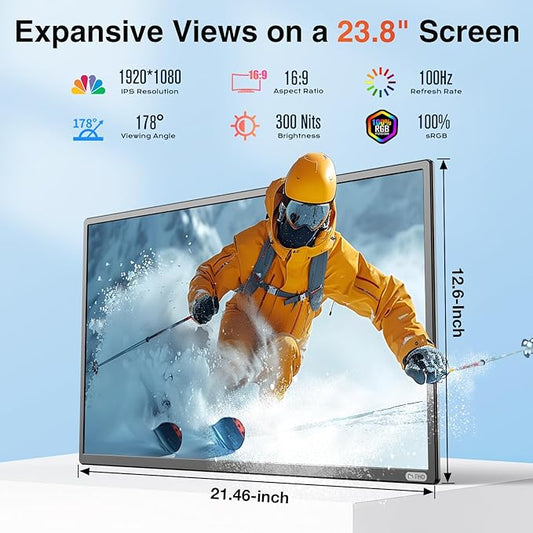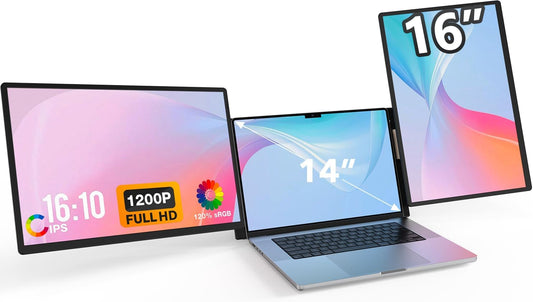


One Laptop. Four Displays. Zero Limits.

Universal Compatibility. One Device, All Your Devices.

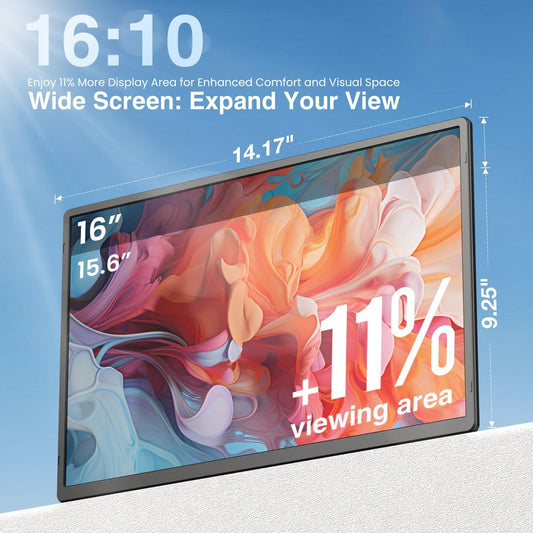
See More. Scroll Less. Work Faster.

Rotate Any Way. Work Any Way.

Full Interface. Smart Control.

Before You Buy — What You Need to Know

One Cable+Power Supply. Three Screens.

No full-featured USB-C ? No Problem.

Setup in Seconds.

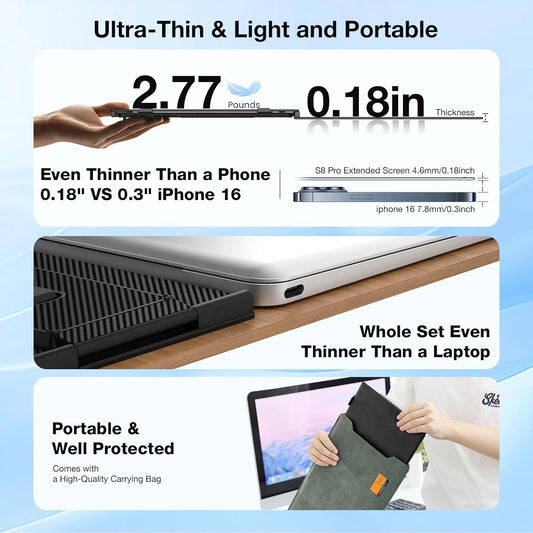
Everything You Need. In the Box.

Frequently Asked Questions
Q1:Do I Need To Install Drivers?
Yes. Driver installation is required for all connection methods. A dual-interface USB flash drive (Type-C + USB-A) is included in the box for easy installation.
Q2:Is the Z3 compatible with older laptops without USB-C?
Yes. For older laptops, use the USB-A + HDMI connection method. Both cables are included in the box.
Q3: Can I turn off individual screens?
Yes. One-key center screen shutoff reduces power consumption by 30%. The side screens remain on, turning the Z3 into a dual-screen extender.
Q4: How long are the included cables?
All three cables (USB-C to USB-C, USB-A to USB-C, HDMI to MINI HDMI) are 1.5 meters long.
Q5: What operating systems are supported?
Z3 supports Windows and macOS only. Linux and Android are not supported.
Q6: Why is driver installation required?
The Z3 uses a specialized display chip that requires drivers to properly drive three screens simultaneously across different operating systems. This ensures stable performance and broad compatibility.