Rated 4.9/5 by hundreds of happy customers.

Kwumsy Z3 15.3" Přenosný rozšiřovač obrazovky notebooku pro čtyři obrazovky

$499.99
{price}% OFF
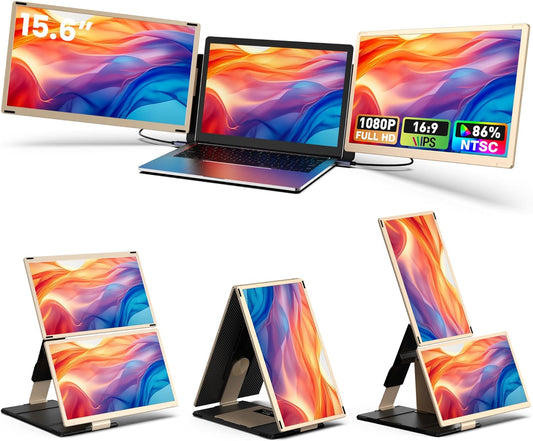
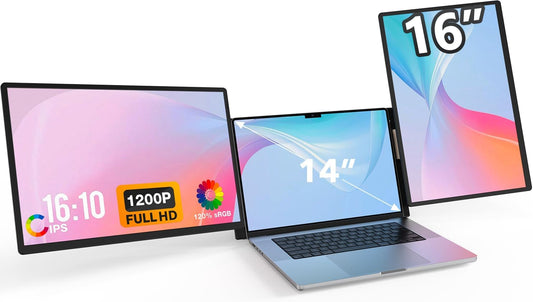
  • Three 15.3″ IPS screens merge into a panoramic 42″ workspace.

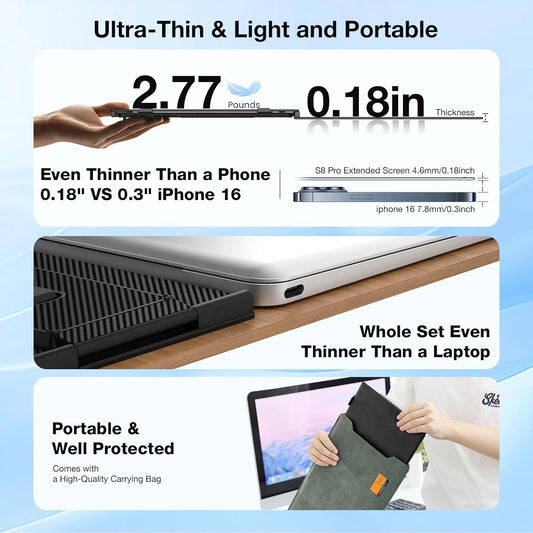
  • Folds to just 48mm with an integrated handle — no extra bag needed.

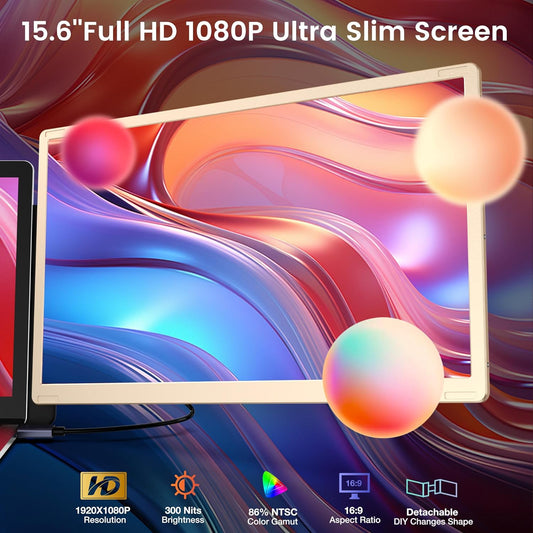
  • 1920×1200 1200P resolution with 100% sRGB and 72% NTSC color gamut.

  • Side screens rotate 360° for portrait, landscape, or any angle.

  • Connect all three screens with just two cables via full-featured USB-C.

  • One-key center screen shutoff saves 30% power and turns it into a dual-screen extender.

Kwumsy Z3 15.3" Přenosný rozšiřovač obrazovky notebooku pro čtyři obrazovky
US: Shipped from US · No customs · Fast delivery
Global: Shipped from China · Full tracking
trush2s
Cart Trust Badge
⚠️ Important Notice – Drivers required & System Compatibility

Z3 requires a dedicated display driver to function properly. This driver is compatible with the following operating systems only:

🪟 Windows 🍎 macOS

❌ Not compatible with Linux / Ubuntu / ChromeOS

Please ensure your computer runs Windows or macOS. The product will not work on unsupported systems.

⚠️ If you are using a company-managed laptop, please check with your IT department before purchasing. Corporate computers often restrict driver installation, which may prevent Z3 from working properly.

20231221141215
20231221140751
gadgeteer_logo_2013-230x71
20231220155958
ac6f22c4-099a-4eec-a300-c18d160c1dec_377b8b9b-94b0-4f6d-a1a4-69552b2dae75

One Laptop. Four Displays. Zero Limits.

Z3_A__01

Universal Compatibility. 
One Device, All Your Devices.

Z3_A__02

See More. Scroll Less. Work Faster.

Z3_A__03

Rotate Any Way. Work Any Way.

Z3_A__04

Full Interface. Smart Control.

Z3_A__05

Before You Buy — What You Need to Know

Z3_A__06

One Cable+Power Supply. Three Screens.

Z3_A__07

 No full-featured USB-C ? No Problem.

Z3_A__08

Setup in Seconds.

Z3_A__09

Everything You Need. In the Box.

Z3_A__10

Frequently  Asked Questions

Q1:Do I Need To Install Drivers?

Yes. Driver installation is required for all connection methods. A dual-interface USB flash drive (Type-C + USB-A) is included in the box for easy installation.

Q2:Is the Z3 compatible with older laptops without USB-C?

Yes. For older laptops, use the USB-A + HDMI connection method. Both cables are included in the box.

Q3: Can I turn off individual screens?

Yes. One-key center screen shutoff reduces power consumption by 30%. The side screens remain on, turning the Z3 into a dual-screen extender.

Q4: How long are the included cables?

All three cables (USB-C to USB-C, USB-A to USB-C, HDMI to MINI HDMI) are 1.5 meters long.
Q5: What operating systems are supported?
Z3 supports Windows and macOS only. Linux and Android are not supported.
Q6: Why is driver installation required?
The Z3 uses a specialized display chip that requires drivers to properly drive three screens simultaneously across different operating systems. This ensures stable performance and broad compatibility.