Rated 4.9/5 by hundreds of happy customers.

Kwumsy Z3 15.3" Přenosný rozšiřovač obrazovky notebooku pro čtyři obrazovky

$499.99
$659.99
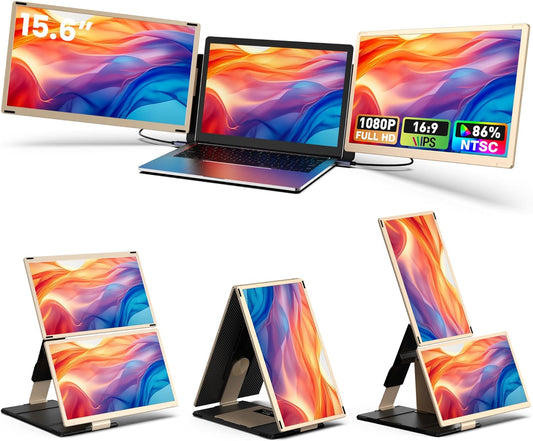
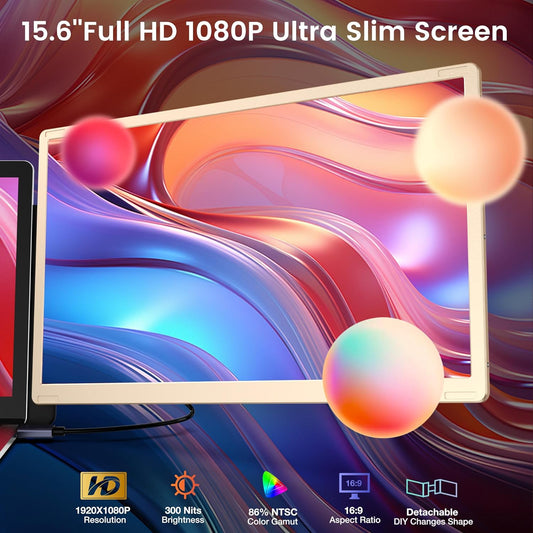
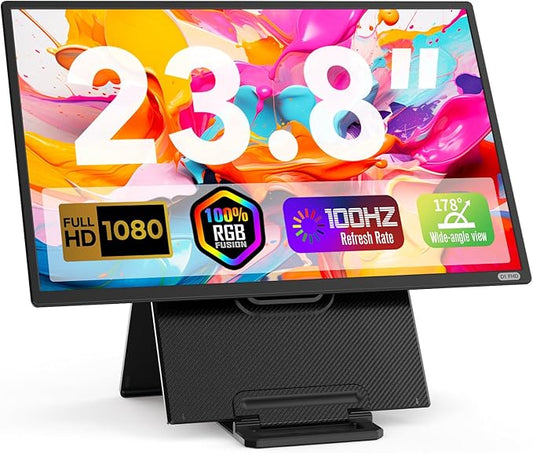
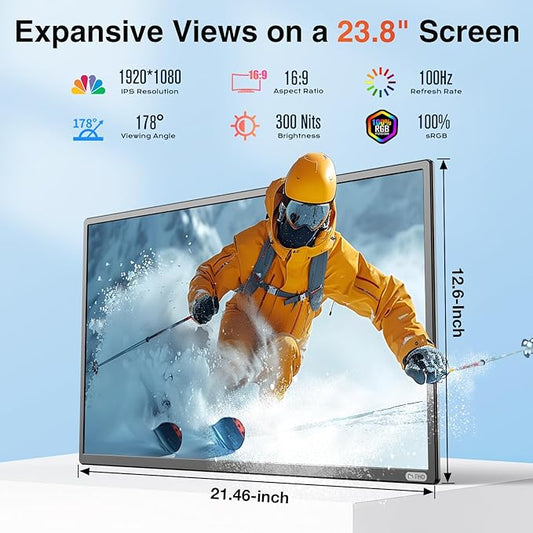
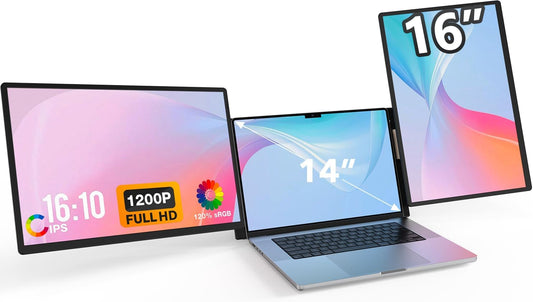
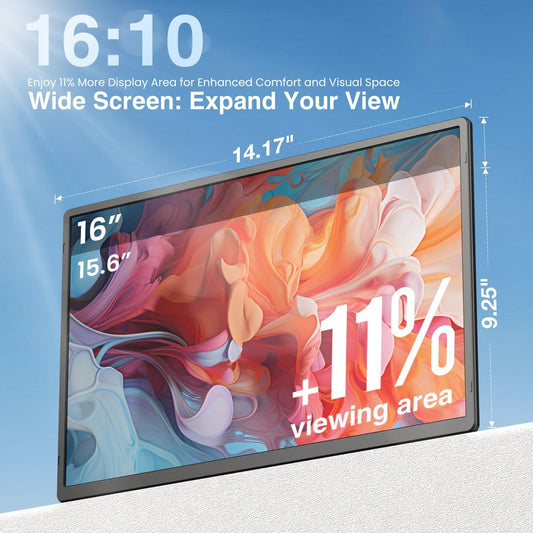
  • Three independent 15.6″ screens work separately or merge into one 30″ ultrawide display with a single touch.

  • Each screen rotates 360°; switch between portrait and landscape modes in your OS for coding, reading, or entertainment.

  • Fully compatible with Mac (M1/M2/M3/M4), Windows, Linux, laptops, desktops, Mini PCs, tablets, and full-function Type-C phones.

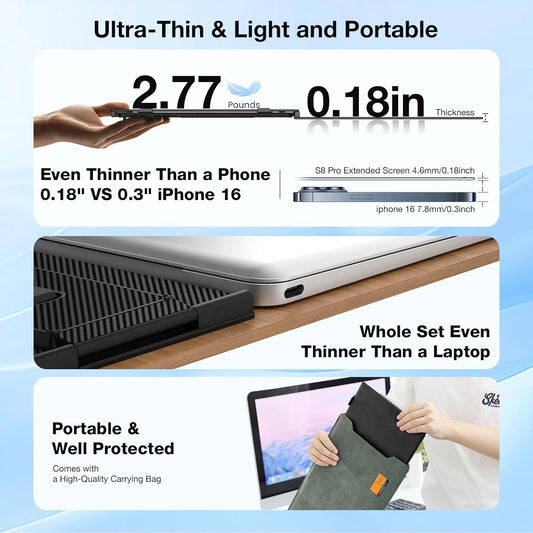
  • Innovative 2-in-1 carry case & stand—fold for portability, unfold for instant desktop use. No extra assembly needed.

  • Turn off the bottom screen with one touch to save up to 30% energy. Side slider controls split/merge modes effortlessly.

Kwumsy Z3 15.3" Přenosný rozšiřovač obrazovky notebooku pro čtyři obrazovky
US: Shipped from US · No customs · Fast delivery
Global: Shipped from China · Full tracking
trush2s
Cart Trust Badge
⚠️ Important Notice – Drivers required & System Compatibility

Z4 Pro requires a dedicated display driver to function properly. This driver is compatible with the following operating systems only:

🪟 Windows 🍎 macOS

❌ Not compatible with Linux / Ubuntu / ChromeOS

Please ensure your computer runs Windows or macOS. The product will not work on unsupported systems.

20231221141215
20231221140751
gadgeteer_logo_2013-230x71
20231220155958
ac6f22c4-099a-4eec-a300-c18d160c1dec_377b8b9b-94b0-4f6d-a1a4-69552b2dae75

Say goodbye to inefficient tab-switching

28f5f23e-7f32-4d9d-8bf6-678c053abd96
700e49e9-cc09-4be6-b0c9-502dae867f8a

Important Setup Notes:
Requires Driver Installation & External Power

9976608b-dd57-4565-954b-3b7e25e81d49
b31bd403-9b99-4c56-b2b0-b3638bb6da78
1d3e3dbf-5358-4a85-a1b5-20948ee600e7

From Folded to Productive: 
Complete Desk Setup Guide

2adf2044-19a1-4bf5-9c6d-123fd2eae9c4
4950a6c0-b0ee-438d-971f-69a5404a066d
1ca525ba-59ea-4b71-a964-f98c20c1a555
Note: The VESA mount and M4 screws are not included in the package and need to be purchased separately.

An innovative 2-in-1 design combining a carry case and a stand

fc403611-a0a3-4d0b-98c6-6bb2e33a52bc

Unboxing: Here’s What You Get

c48908a9-d336-485f-8504-538ebc97f14e

Frequently  Asked Questions

Q1: Compatibility: Which devices are supported?

🔌 Universal Compatibility, Seamless Connectivity
The Z4PRO is fully compatible with Mac (M1/M2/M3/M4), Windows, and Linux systems. It works with laptops, desktops, Mini PCs, tablets, and full-function Type-C smartphones. For older devices without modern ports, you can use the included USB-A + HDMI combo cable to power all three screens.

Q2: Is driver installation and external power required?

External Power: The included 65W power adapter must be connected. It also supports reverse charging to power your laptop.
Driver Installation: Use the included dual-port USB drive (Type-C and USB-A). Once inserted, an auto-launch folder will open containing:
1.Driver software
2.Stand & screen assembly guide
3.How to turn off the third screen
4.Driver installation tutorial
5.One-touch merged screen tutorial
6.Full-function Type-C connection guide
7.HDMI connection guide

Q3: How do I merge screens or turn off the bottom screen?

One-Touch Screen Merge: Once set up, locate the side control interface. Slide the menu switch upward for 2 seconds to merge three screens into one 30-inch canvas. Repeat to revert.
Turn Off Bottom Screen: Slide the same switch downward for 2 seconds to turn off the bottom screen. Slide down again to turn it back on.

Q4: Can I use the screens in portrait or landscape mode?

Yes, screen rotates 360° freely. You can adjust orientation in your computer’s display settings. Additionally, the built-in handle allows the screen unit to be folded 180° for flexible positioning.
Q5: Does it support VESA mounts?
Yes, each screen back is equipped with standard 75×75mm VESA mount holes (M4 screws compatible), allowing you to attach the unit to monitor arms or stands for a custom workstation setup.
Note: VESA mounts and M4 screws are not included and must be purchased separately.
Q6: Where do you ship from and how long does delivery take?
We ship from our U.S. warehouse where the product is in stock.
  • For U.S. orders: Your order will be shipped domestically within the U.S., with no additional customs fees or import charges. Delivery typically takes 3–5 business days under normal circumstances.
  • For international orders (outside the U.S.): Please contact our support team for shipping options, delivery estimates, and applicable fees:
📧 Email: service@kwumsy.com
💬 WhatsApp: +86 19820581284
We strive to provide a smooth and transparent delivery experience wherever you are.